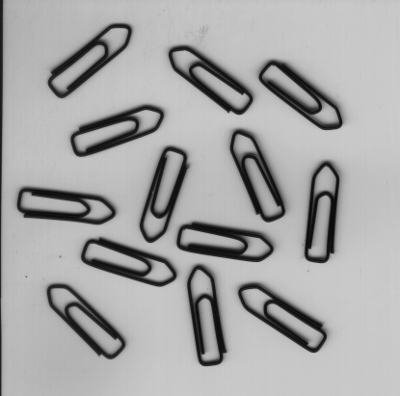
Figure 4.1: Paper clips.
This chapter explains how to use HDevelop to develop your own machine vision applications. Preferably, actively follow the examples in a running instance of HDevelop. In the following, it is assumed that the preferences of HDevelop are set to the default values. This is always the case after a fresh installation of HALCON. If you are uncertain about the current settings, you can always start HDevelop with the default settings by invoking it from the command line in the following way (see also chapter “Getting Started”):
hdevelop -reset_preferences
This chapter deals with a simple example. Given is the image displayed in figure 4.1. The objective is to count the clips and determine their orientation.