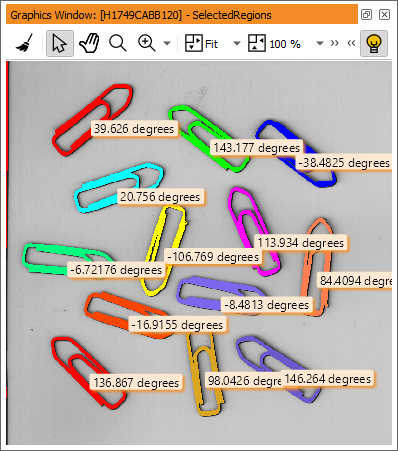
Figure 4.11: Final result of the example program.
This is basically the way to create programs in HDevelop. Select an operator, specify its parameters, try different settings using the button Apply, add a new program line using Enter or OK, and edit it later by double-clicking it in the program window. Use the interactive tools provided by HDevelop to assist you, for example, to find appropriate values for the operators.