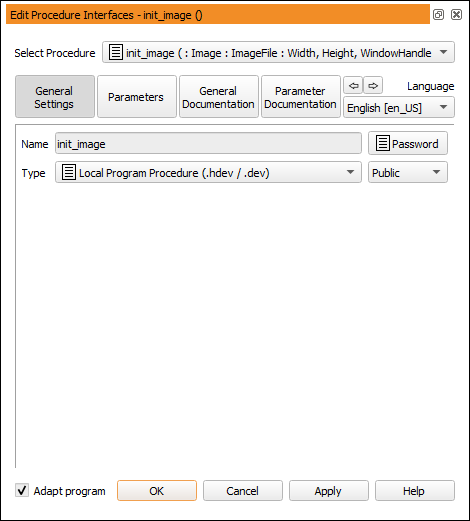
Figure 6.53: Searching procedures.
The combo box on top of the program window displays the name of the current procedure. You can search for specific procedures, and select all available procedures from this box. The first element of the list will always be the main procedure, followed by the local procedures of the current program, followed by the available external, followed by all referenced procedures and library procedures. The procedure groups are sorted alphabetically.
Procedures can be protected with a password. Those procedures can still be selected from the list, but unless the correct password has been entered, they will remain in a locked state. If the procedure is locked, a password button is displayed instead of the procedure body. For more information about protected procedures, see section “Protected Procedures”.
To view and modify the interface of the current procedure
Using the upper buttons of this dialog, you can select the data associated with the current procedure: The button General Settings provides access to the procedure name, its type and its parameters.
The remaining buttons provide access to the documentation of the current procedure. This is described in section “Providing Procedure Documentation”.
You can step through the individual tab cards of the dialog using the arrow buttons at the bottom of the dialog.