Procedures can be created from scratch or from selected program lines in the currently displayed procedure. When you start a new HDevelop program, there is only the main procedure. As the program grows, you often find that chunks of code have to be reused or they constitute a functional unit. In these cases, it is good practice to relocate the corresponding lines to a new procedure.
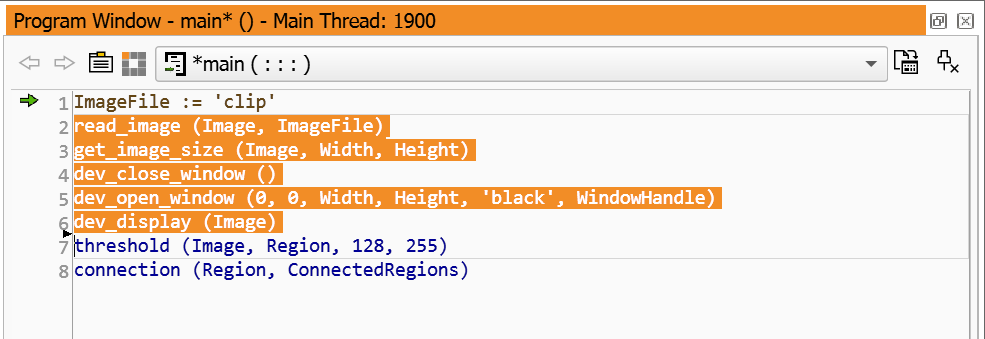
As an example, consider the following example program:
In this example, you want to reuse the selected program lines. To create a new procedure from these program lines, click the menu entry Procedures ▹ Create New Procedure or select the corresponding entry from the context menu of the program window. The new procedure can now be setup in the procedure interface dialog.