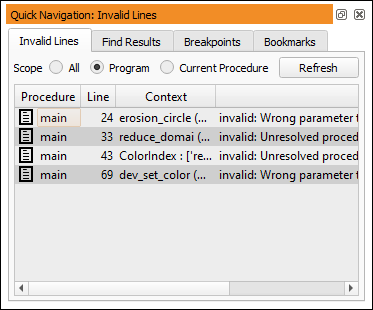
Figure 6.69: Managing program lines in the quick navigation window.
The quick navigation window contains a listing of program lines that share a common property. Clicking an entry focuses the corresponding program line in the active program window. If the selected procedure is already displayed in a program window tab, the corresponding tab is activated. Otherwise, the current view switches to the selected procedure.
It is possible to activate, deactivate, copy, cut, or delete one or more of the selected program lines directly from the quick navigation.
The “common properties” are available as tab cards: