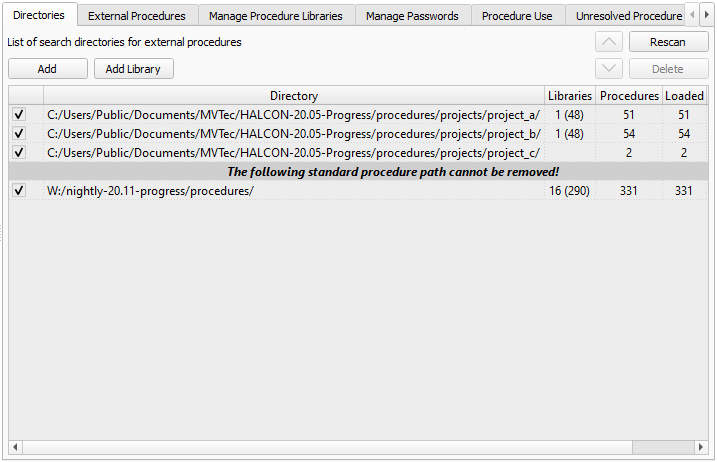
Figure 6.38: Procedures ▹ Directories.
Use this tab card to manage the list of directories that contain external procedures. The directories are recursively scanned for external procedures in their listing order (see section “Procedure Locations”).
Procedures with the extension .hdvp always override procedures with the same name but the extension .dvp in the same directory.
Please note that HALCON comes supplied with a set of standard procedures. These are general-purpose procedures used by many of the supplied example programs. The path cannot be altered or deleted. It is, however, possible to override the supplied external procedures by placing external procedures with the same name in one of the user-defined directories.
The documentation of the supplied procedures is available in the online help of HDevelop under Procedure Reference Manual.
Using the check boxes you can disable the corresponding directories temporarily without removing them from the list.
The list entries can be reordered using the up/down arrow buttons.