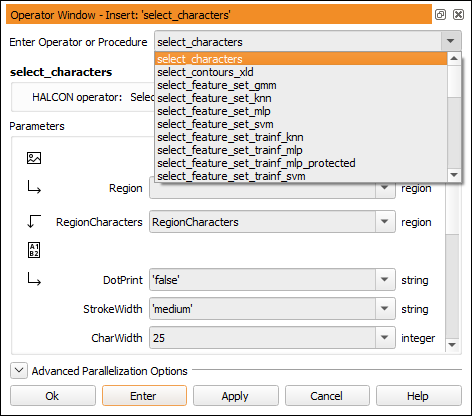
Figure 6.24: Selecting an operator after typing select_.
This window is used to edit and display an operator or procedure call with all its parameters. Here you will obtain information about the number of the parameters of the operator or procedure, the parameter types, and parameter values. You can modify the parameter values according to your image processing tasks. For this you can use the values proposed by HDevelop or specify your own values.
The operator window consists of the following four parts: