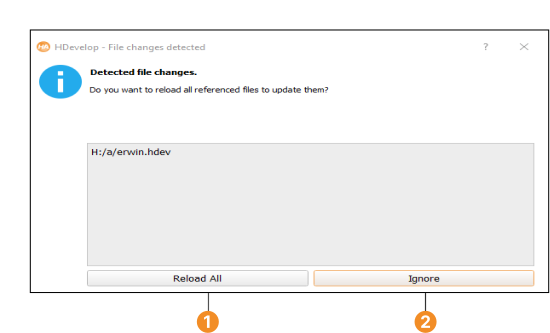
Figure 5.1: File tracking change dialog.
When a file is changed outside of HDevelop, the file tracking alerts the change and offers to reload the file. Click Ignore to abort. To reload the changed files without using the file changes dialog, click Reload All within the File tabcard. For more information, see section “General Options ▹ Experienced User”.